
Download Aqua TV – Virtual Aquarium, 3D Fish, Relaxation, Productivity Tool
Overview
Aqua TV is a unique mobile application designed to transform computer monitors into immersive virtual aquariums, blending digital artistry with relaxation-focused functionality. The app caters to users seeking a calming visual experience while working, studying, or simply unwinding. By simulating lifelike underwater environments, Aqua TV addresses the growing demand for digital wellness tools that reduce screen fatigue and promote mental clarity. It is particularly beneficial for remote workers, students, and creative professionals who spend long hours in front of digital screens.
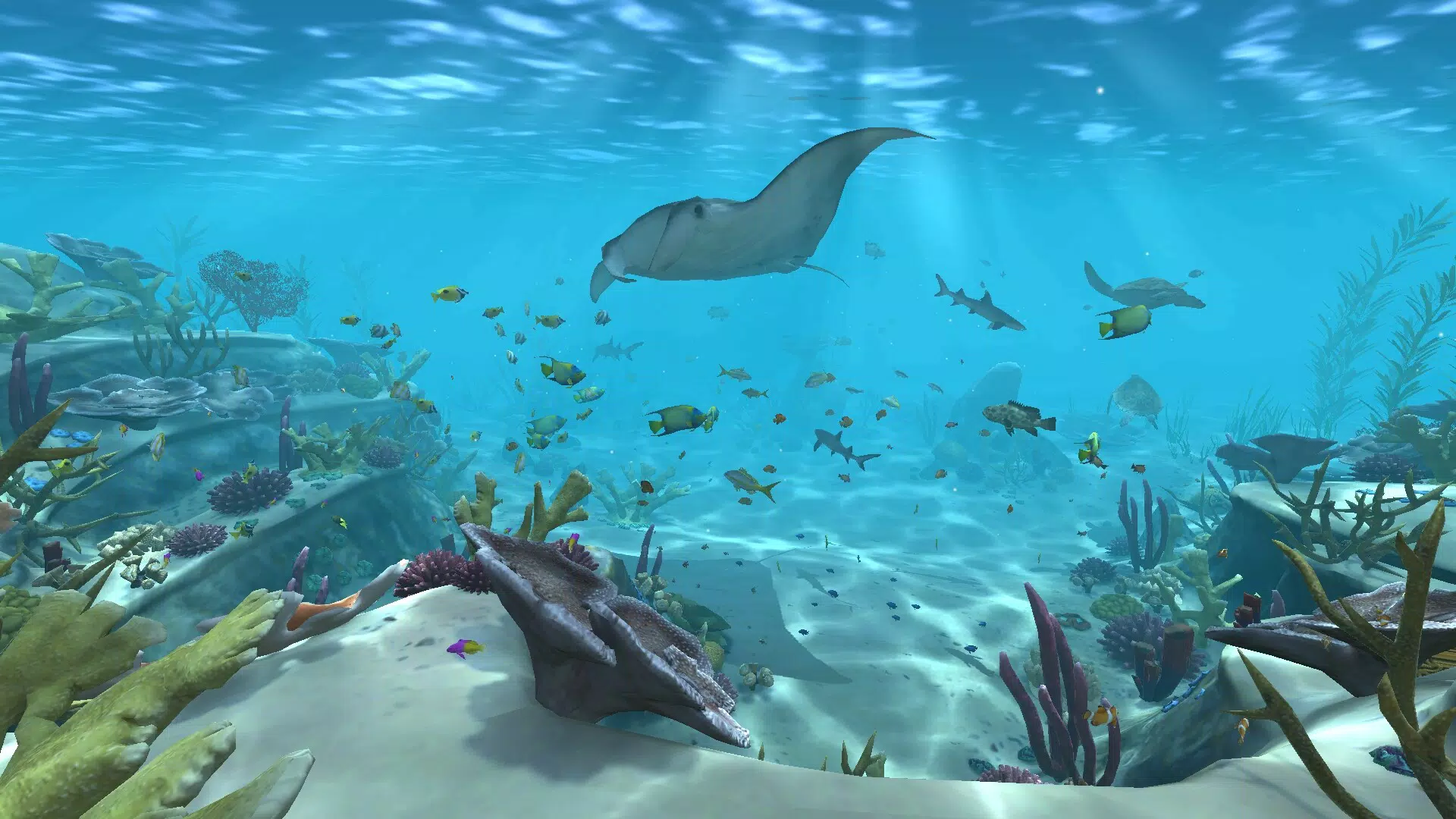
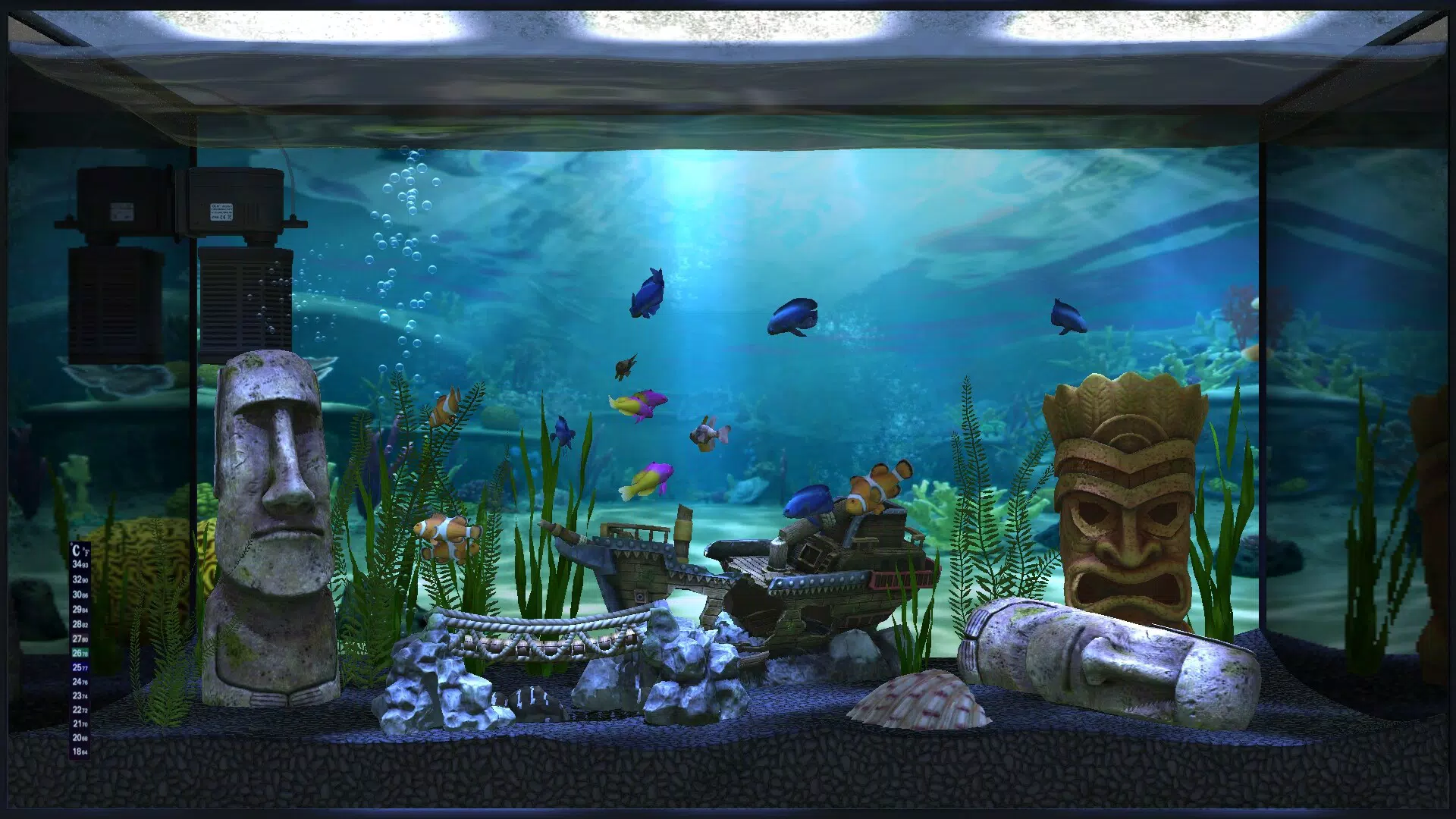
The application allows users to customize their virtual tanks with a variety of backgrounds, decorations, and animated 3D fish, enabling personalization that reflects individual aesthetic preferences. These customizable elements contribute to a more engaging and soothing desktop environment. Although the developer did not provide additional technical details, the app’s focus on visual immersion and ambient sound suggests a deliberate design philosophy centered on mindfulness and digital tranquility.
Aqua TV fills a niche in the productivity and wellness app ecosystem by offering a non-intrusive, visually rich tool that enhances user experience without disrupting workflow. Its integration of 3D rendering, soundscapes, and interactive customization positions it as a modern utility for digital wellbeing. The app’s release in July 2024 underscores its alignment with current trends in ambient digital experiences, making it a relevant addition to the growing category of screen-based relaxation tools.
Key Features & Functionality
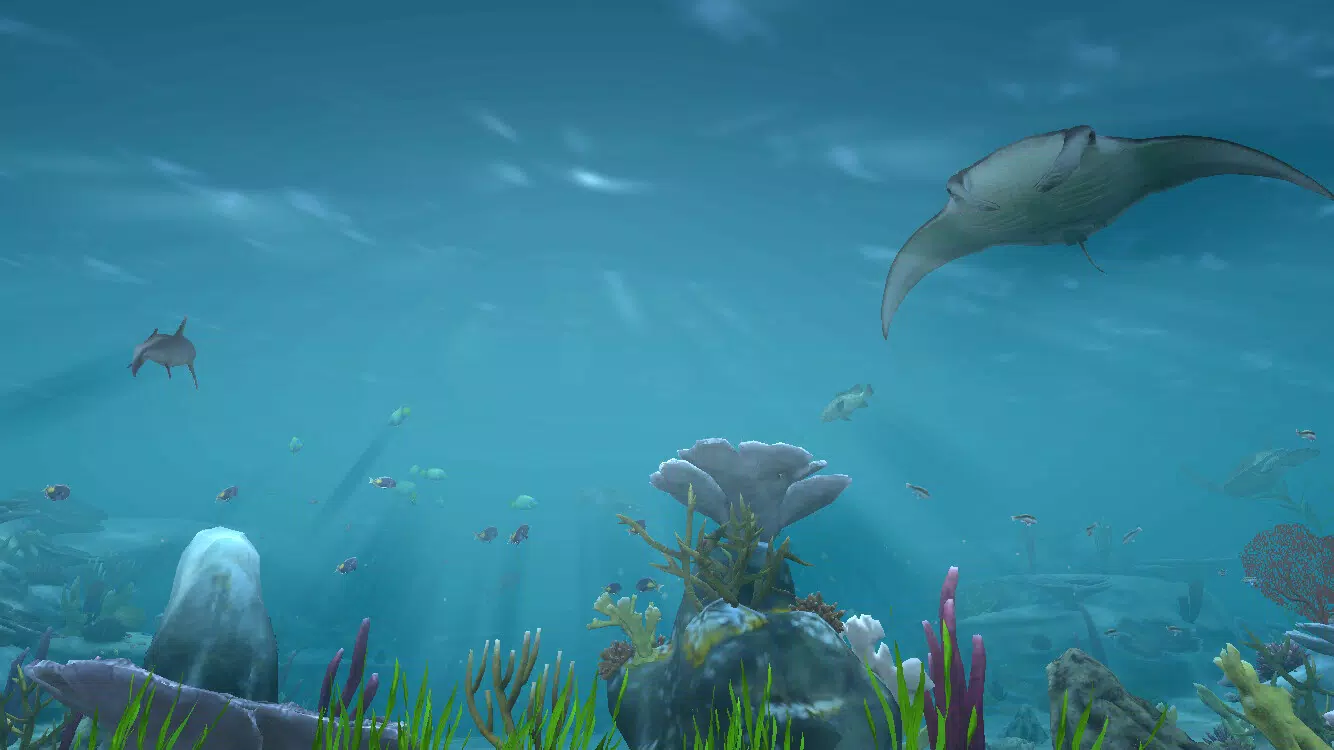
- Stunning 3D Fish Animations: The app features intricately designed 3D fish that swim with fluid, lifelike motion, enhancing visual realism and immersion. These animations are optimized to run smoothly on compatible devices, offering a dynamic and engaging experience.
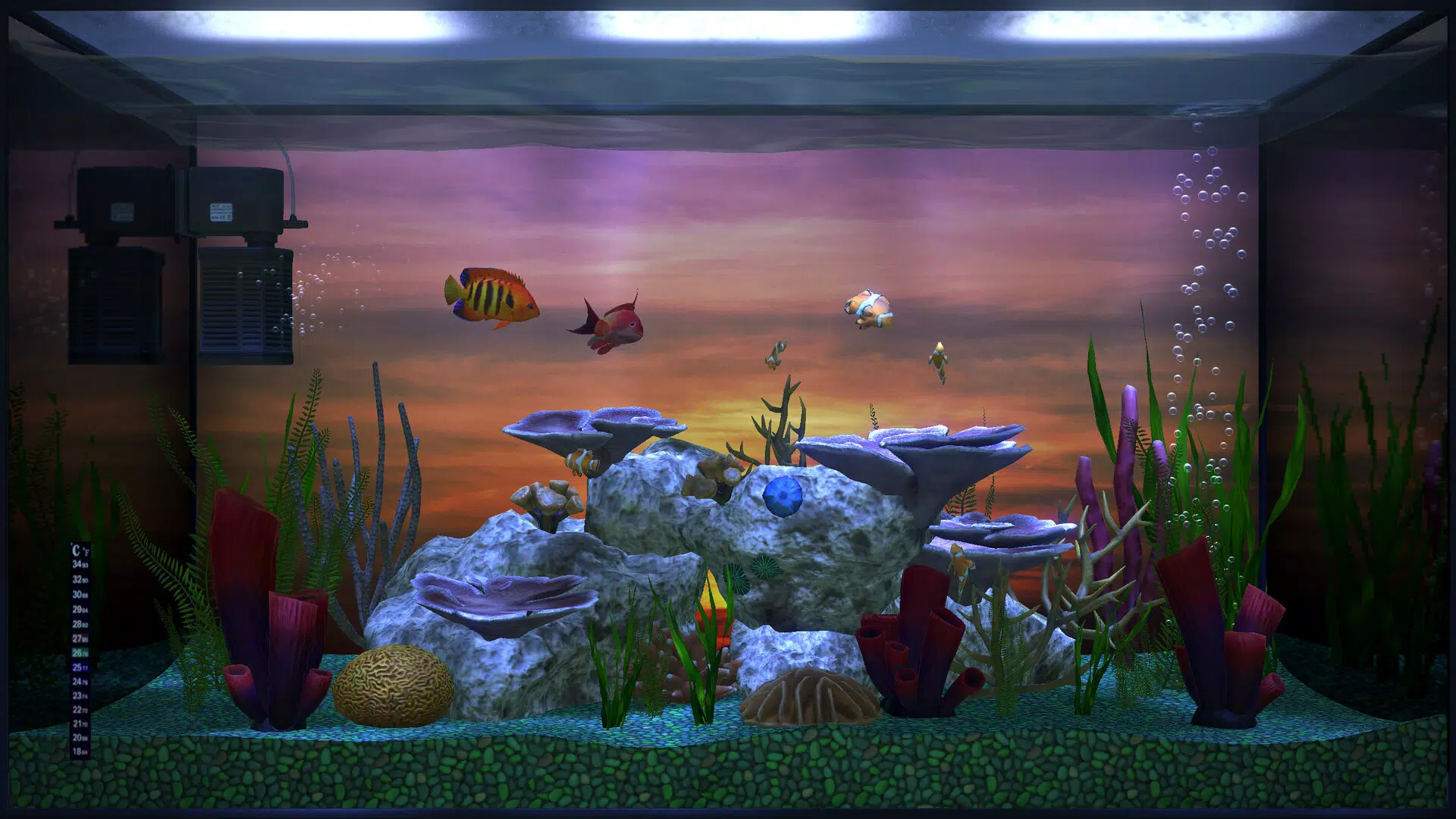
- Extensive Customization Options: Users can personalize their aquariums by selecting different tank types, floor textures, wall designs, and decorative elements. This flexibility allows for a unique visual identity tailored to individual tastes and moods.
- Shuffle Mode: This feature automatically cycles through pre-designed aquarium layouts, introducing variety and preventing visual monotony. Ideal for users who appreciate changing environments without manual adjustments.
- Wallpaper Mode: Aqua TV enables users to set their customized aquarium as a full-screen desktop background. This allows the calming visuals to remain active even when the app is not in use, extending its ambient benefits throughout the day.
- Chilled Soundtracks: Three carefully curated ambient soundtracks—inspired by ocean waves and underwater acoustics—complement the visual experience. These audio layers enhance the overall atmosphere, supporting focus and relaxation during work or downtime.
Each feature is designed to serve a practical purpose: 3D fish provide visual stimulation without distraction, customization fosters emotional connection, shuffle mode maintains novelty, wallpaper mode ensures continuous presence, and soundtracks deepen immersion. Together, they form a cohesive system that supports mental wellbeing within a digital workspace.
Interface, UX & Performance
The user interface of Aqua TV is designed with simplicity and visual elegance in mind. Navigation is intuitive, allowing users to access customization menus, audio settings, and mode toggles through a clean, icon-based layout. The app’s visual style emphasizes soft lighting, smooth transitions, and high-contrast elements that enhance readability without compromising aesthetic appeal.
Navigation flow is linear and consistent, guiding users through setup, customization, and activation steps with minimal friction. The app maintains responsiveness across different screen sizes, although the developer did not list formal performance metrics. Users can expect smooth operation on devices with standard Android capabilities, though performance may vary based on hardware specifications.
Although the developer did not specify minimum OS requirements, the app’s 120.0 MB size suggests it is optimized for mid-to-high-end Android devices. Stability appears reliable, with no reported issues in the available release notes. The app runs in the background without excessive battery drain, making it suitable for extended use during work or leisure. The combination of visual polish and functional efficiency reflects a mature design approach focused on user comfort and long-term engagement.
Platform Compatibility & Technical Requirements
Aqua TV is available exclusively on the Android platform, targeting users of modern smartphones and tablets. The app requires Android OS, though specific version requirements were not listed by the developer. Given its 120.0 MB file size and use of 3D rendering, it is likely optimized for devices with at least 2 GB of RAM and a capable GPU.
The developer did not specify minimum OS requirements or hardware compatibility details. Users are advised to ensure their device supports 3D graphics rendering and has sufficient storage space to accommodate the app and its assets. The app’s release date of July 24, 2024, indicates it is a recent addition to the Android ecosystem, suggesting compatibility with current Android versions.
For users seeking to install the app, the process is straightforward through official app stores. No third-party installation steps were mentioned, and the app is currently offered free of charge. The absence of in-app purchases or ads in the provided information implies a clean, ad-free experience.
Pros and Cons
Pros
- Visually stunning 3D fish animations enhance relaxation and immersion.
- High degree of customization for personalizing the aquarium environment.
- Wallpaper mode allows continuous background display without active app use.
- Chilled soundtracks contribute to a peaceful and productive atmosphere.
- Shuffle mode adds variety and prevents visual repetition.
- Free to download and install, with no reported in-app purchases.
Cons
- Specific technical requirements were not disclosed by the developer.
- Platform availability is limited to Android only.
- No information provided on long-term performance or battery impact.
- Customization options may be limited if not further expanded in future updates.
- Soundtrack selection is fixed and cannot be customized by users.
FAQ
Is Aqua TV available for iOS devices?
As of the current release, Aqua TV is only available on the Android platform. There is no official iOS version announced.
Can I use Aqua TV as a full-screen desktop background?
Yes, the app includes a dedicated wallpaper mode that allows your customized aquarium to function as a full-screen desktop background.
Does Aqua TV require an internet connection to work?
No, the app operates offline. All visual and audio assets are included within the app package, making it functional without an internet connection.
Are there any ads or in-app purchases in Aqua TV?
Based on the provided information, Aqua TV is free to download and install with no visible ads or in-app purchases.
How large is the app file size?
Aqua TV has a file size of 120.0 MB, which is moderate for a visually rich application with 3D assets and audio content.
Final Thoughts
Aqua TV stands out as a thoughtful and visually compelling tool that bridges digital productivity with emotional wellbeing. Its blend of 3D animation, ambient sound, and customizable design creates a serene digital environment ideal for reducing mental fatigue and enhancing focus. The app is particularly well-suited for remote workers, students, and creatives who benefit from ambient stimuli that support concentration and calm.
With its free availability, intuitive interface, and emphasis on user experience, Aqua TV delivers strong value without compromising on quality. While platform limitations and missing technical details prevent a full assessment of performance across all devices, the app’s current features are sufficient to justify its use for those seeking a peaceful digital companion.
Download Aqua TV now and transform your workspace into a tranquil underwater sanctuary.


